

Check whether AI can find your business
Get a free audit
Updated on 20 October 2026.
Define what working means
Separate availability, use by a particular application and correctness of the resulting answer. A successful request or server log entry establishes retrieval. It does not establish citation, increased visibility or additional sales.
Google Search says it ignores llms.txt, so maintaining the file neither helps nor harms its rankings. That statement concerns Google Search. Other applications may consume the file; check their documentation rather than extending one system's policy to every AI tool.
| Evidence | Establishes | Does not establish |
|---|---|---|
| HTTP response | Resource availability | Use in an answer |
| Explicit application test | Completion of a defined task | Visibility across models |
| URL in an answer | Citation in that observation | Why the source was chosen |
What the v2 proposal contains
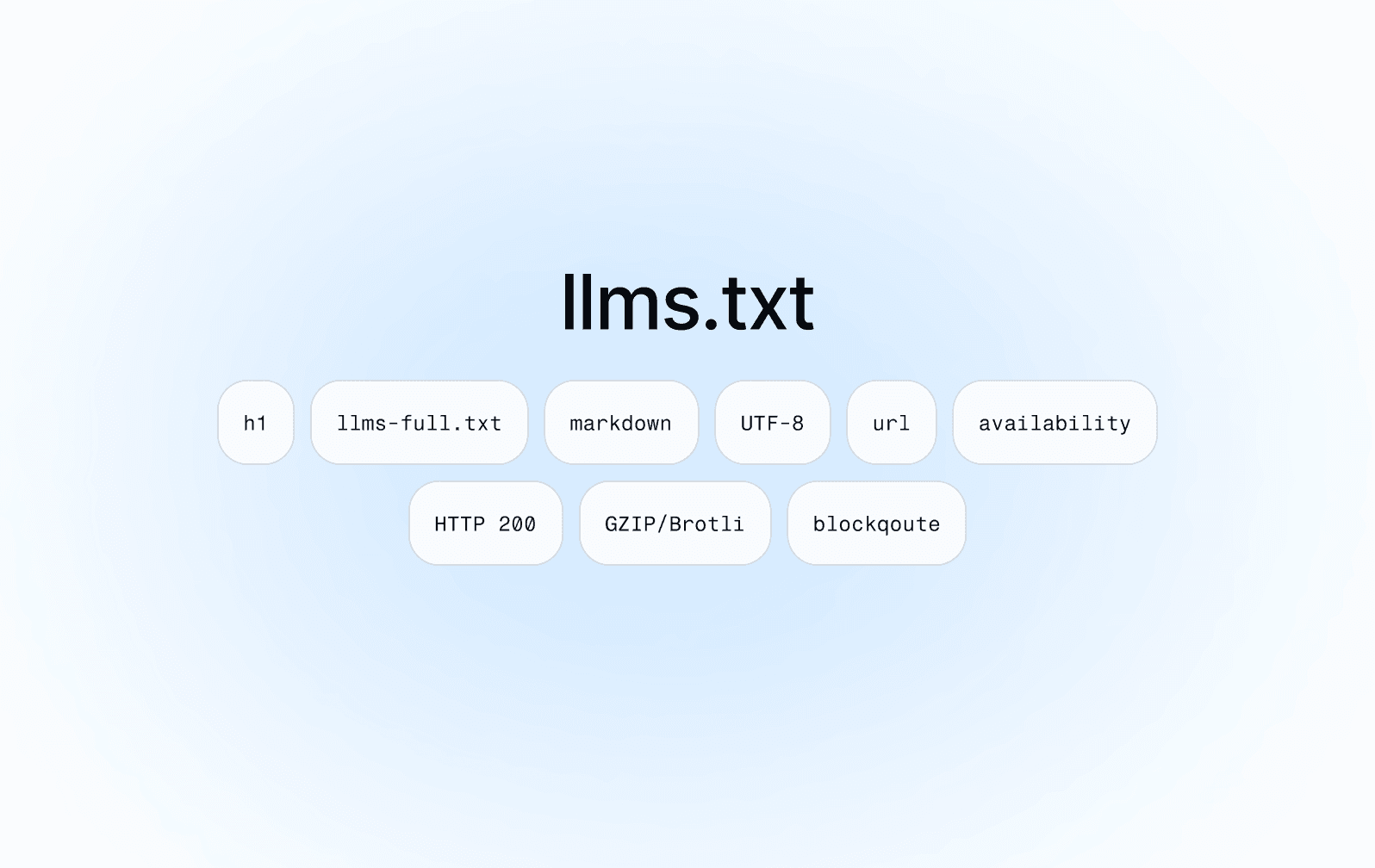
llms.txt is a proposed Markdown format, not a universal requirement for models. Version 2 allows a file at the site root or a subpath such as /docs/llms.txt. A file covers pages beneath its path; the proposal prefers the most specific file when scopes overlap.
The project-name H1 is required. A summary, explanatory text and H2 link lists provide additional context. A section named Optional conventionally holds secondary resources. Keep the guide useful and manageable; do not invent a universal maximum file size.
An illustrative documentation file
The sample below describes a fictional project. example.com addresses do not represent an existing Semly deployment. Replace them with current public documentation and explain what question each resource answers.
Illustrative example, not a Semly configuration.
# Demo
> Demo documentation
## Docs
- [Integration](https://example.com/docs/integration.md): API
## Optional
- [History](https://example.com/docs/history.md)
Run an acceptance test
Choose a task such as finding integration instructions. Check unauthenticated access, path scope and every destination. Compare summaries with the linked pages and remove outdated facts or private URLs.
Then explicitly test an application that supports the file, using it as the starting point. Record the task, file version, application and whether the intended source was found. This checks information retrieval under stated conditions; it is not a measurement of organic visibility across AI systems.
Keep other responsibilities separate
llms.txt does not grant access or replace robots.txt, a sitemap or useful public pages. Never include customer information, account results or internal documentation. An llms-full.txt copy of an entire site does not automatically solve freshness or source selection.
Semly monitors brands and sources in answers to monitored questions. Evaluate those observations separately from file retrieval. A changed answer alone cannot establish that llms.txt caused it. If time is limited, first repair a missing or inaccurate public answer.
When maintenance is worthwhile
Maintain the file when you know a consuming application and a reader task it supports. Assign ownership for broken links and product changes. Without an identified consumer, do not present the file as a compulsory GEO investment.
Related guidance
Open Knowledge Format. What is OKF and how does Semly use it?
JSON-LD or Microdata? Choosing a Schema.org format
Sources and scope
Share:
